
Do you mean you are a new Zong SIM user and don’t know how to check your Zong balance? Because checking the Zong balance is a very easy task for any old user. But a little tough for a new user.
Actually, Zong is the second-largest Pakistani mobile data network-based company. Zong customers like this company very much because of its good service and low-rate packages. Let’s go for our real topic where we will share easy and official methods to check Zong number balance, especially for new and also old users.
Checking Zong SIM Balance
Here are three official methods to check Zong balance in 2026, which we are going to discuss below.
By Calling The Zong Helpline
Checking Zong balance by calling the Zong helpline is very easy, but it takes more time than other methods. You can easily check your Zong remaining balance by following these instructions.
- First of all, take your mobile phone
- Now, unlock your phone
- Then open the number dialer on your phone
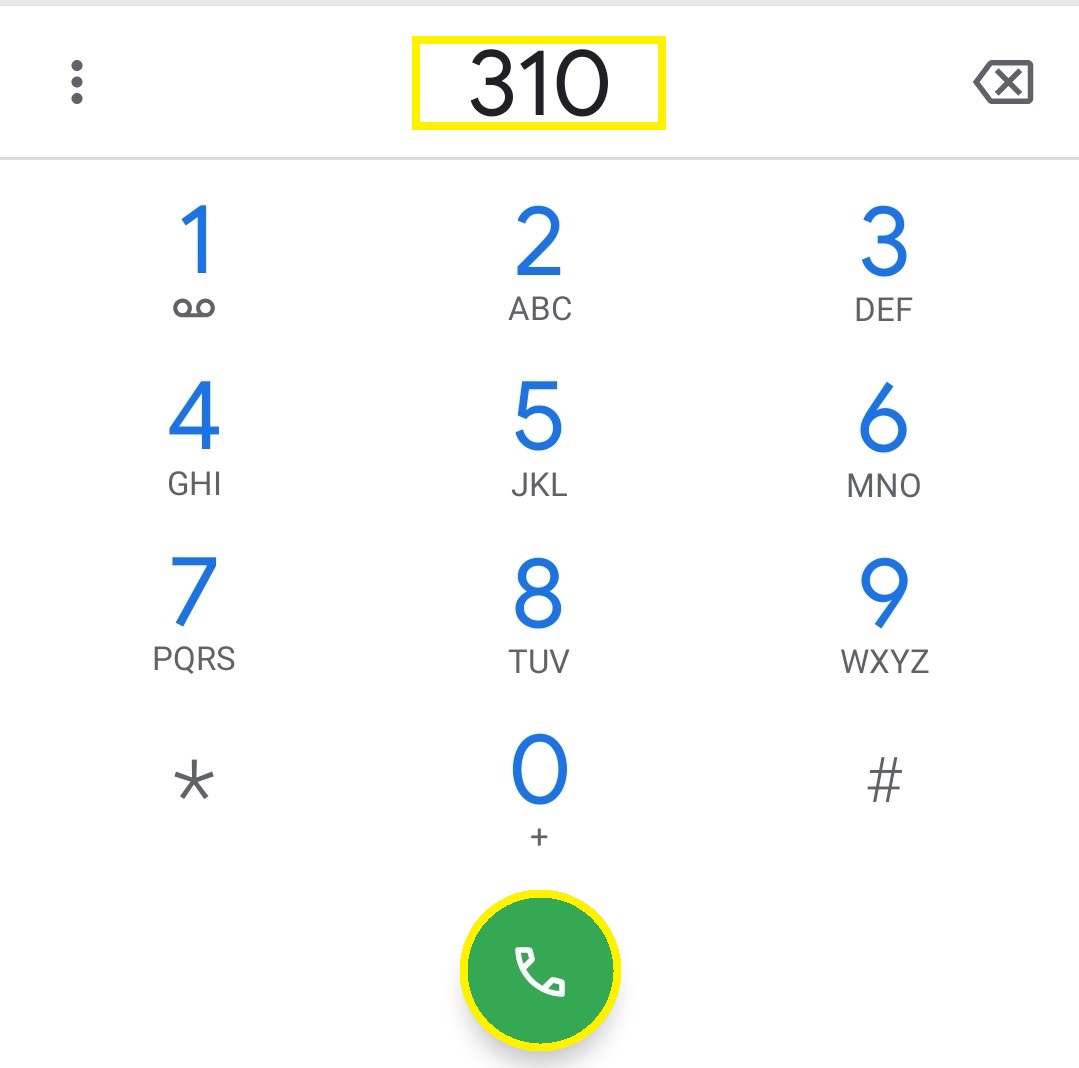
- Now you need to call 310
- Carefully listen to the computer instruction and press number 2 for 2 times
- The computer will automatically share your remaining balance details by following the above instructions
I hope this method is very informative for all Zong users. Which can be used by any educated or non-educated person. And also, this method is free of cost and any taxes.
Checking Zong Balance By Code
Checking the Zong balance by code is the easiest method for all of them. But some people also don’t know about this code. You can use for checking the Zong remaining balance. So don’t worry, we will also share this easy method. You can easily check your Zong remaining balance without any problem.
By following these instructions, which are given below, you can easily check your Zong balance by code.
- You need to open your Phone lock
- Then open the “number dialer.”
- Dial “code” *222#
- Now, “press” the call button
- Wait for a few seconds for the process
- Now you will get the remaining balance notification on your mobile screen
While this method is easy and fast, there are also some charges applied for checking the Zong balance by code. The standard tax of 0.50 (0.50+ tax) will be deducted from your SIM by dialing the code. This means this method is not free of cost and taxes.
Checking Zong Balance by “My Zong App”
In this technology time, almost everyone has a smartphone. So a Zong user must have a smartphone where he will download the “My Zong App”. You can easily install the My Zong App by following the instructions Which are given below.
- Firstly, unlock your phone
- Turn on your WIIF or Mobile Data
- Then go to the Google Play Store
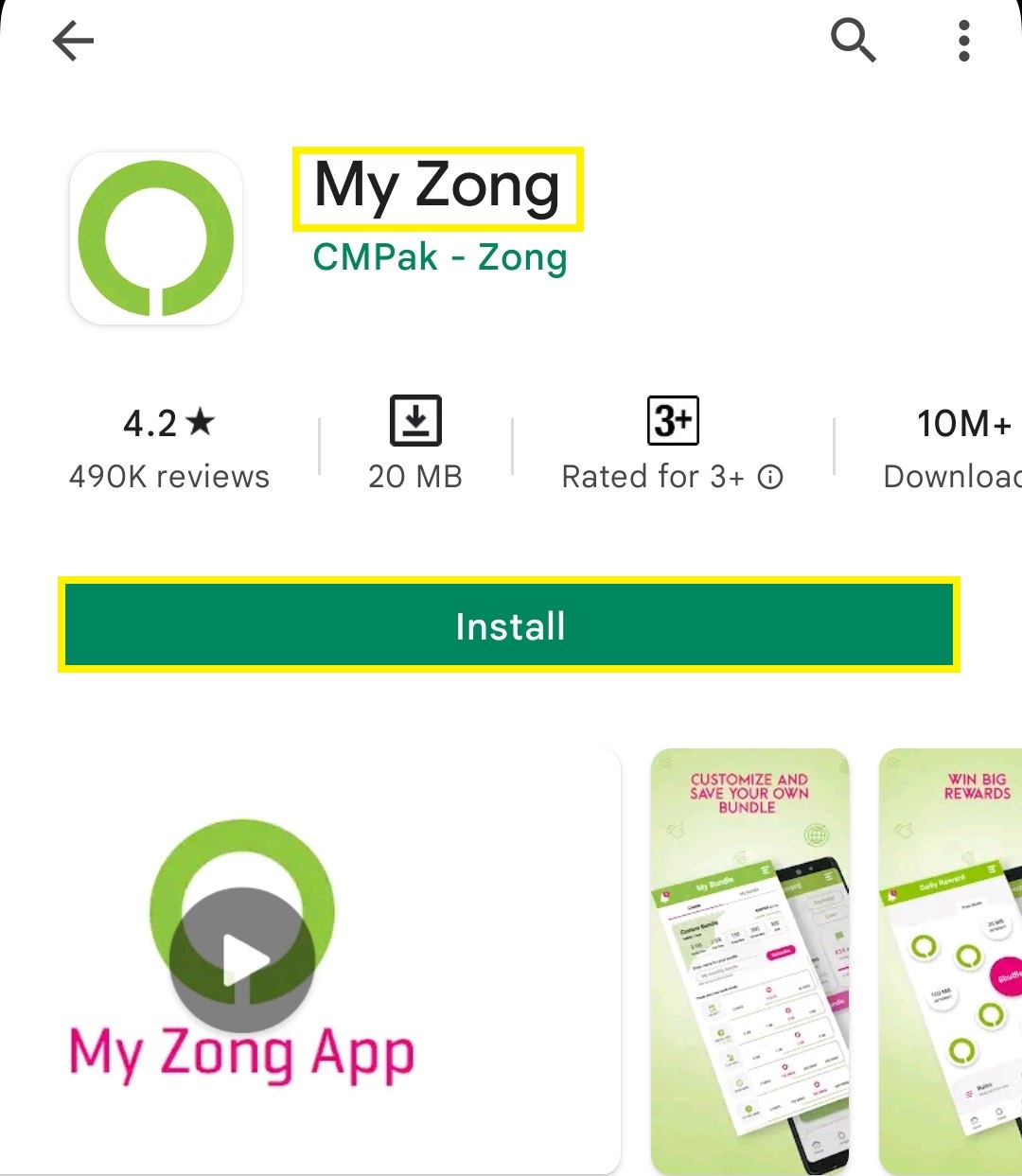
- Now, put My Zong name in the search bar
- Now you will get My Zong App at the top. Install this app on your phone
This method is the second easiest of them. There are no charges to check your Zong balance on the My Zong App. You just need to have WIFI/Data to open this App.
Checking Zong balance by SMS method
Zong users can check their balance by sending a message from their numbers. Then all balance details will be sent to his number. Just follow the simple steps to check their balance by sending a message.
- Open a messaging app on your phone
- Send a blank message to 222
- All balance details will be received shortly
Note: By using this method, keep in mind charges may apply.
Final Words
I hope this article will be helpful for new Zong SIM buyers. Where they don’t know about determining the Zong balance methods. If you have any other questions about checking the Zong balance methods. Then feel free and share with us in the comment box.
